I unboxed this thing on a Saturday morning in early March, and by 2 p.m. I was standing in my backyard watching a $1,399 robot drive itself into a pile of dog toys it had completely ignored on the previous pass. That’s the honest version of how day one went. Not catastrophic, not magical — just a machine that mostly does what it claims and occasionally makes you question the “AI” label on the box.
I’ve got about 0.9 acres of mixed lawn — some flat fescue out back, a sloped strip along the driveway, and a side yard that’s more weeds than grass. I’d been mowing it with a 21-inch push mower for three years and finally decided my Saturdays were worth more than the $1,399 price tag. Four months in, here’s what I actually know.
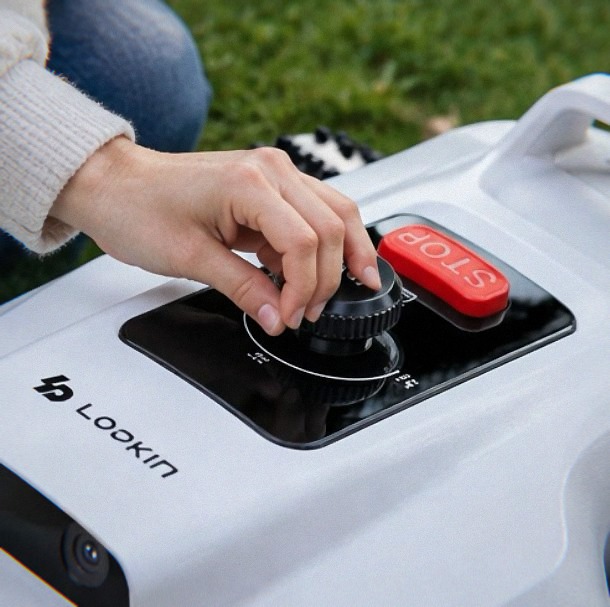
Setting Up Without a Boundary Wire (And Where That Bites You)
No perimeter wire is the whole reason I bought this. My old neighbor had a wired Husqvarna and spent an entire weekend burying cable with an edger, and I was not doing that. The L2500-NEO uses NetRTK — a network-based RTK correction system — plus AI vision to figure out where the edges are.
Here’s the part nobody tells you: you still have to walk the perimeter once with the app, and the mower needs a clear view of the sky for the RTK fix to lock. My side yard sits under a big silver maple, and the first three mapping attempts failed there. Not because the mower is broken — because NetRTK needs satellite visibility, and dense canopy kills it. I ended up mapping that section on a cloudy-but-clear day and it finally took. If your lawn is heavily wooded, budget for some trial and error.
The other thing: the app’s mapping UI is clunky. You can’t just drag a boundary line and be done. You drive the mower manually via virtual joystick, which is fine on open grass and genuinely annoying around landscaping beds. Took me about 90 minutes total for 0.9 acres. Not terrible, not fun.
How the AI Vision Actually Performs
The obstacle avoidance is real, but it’s not the sci-fi version you might imagine. It picks up lawn furniture, tree trunks, and the dog’s water bowl without drama. It does not reliably see small debris — sticks under six inches, pinecones, the occasional chew toy. I’ve pulled a half-chewed tennis ball out of the blade housing twice now. If you’ve got kids or dogs, do a quick sweep before each run. That’s just the deal.
There’s a quirk I’ve noticed that isn’t in any documentation: on dewy mornings, the camera lens fogs slightly and the mower gets noticeably more cautious — it slows down and does these little hesitation stutters near obstacles. By 10 a.m. once the grass dries, it’s back to normal speed. Took me a few weeks to figure out why my early runs were taking 30% longer.
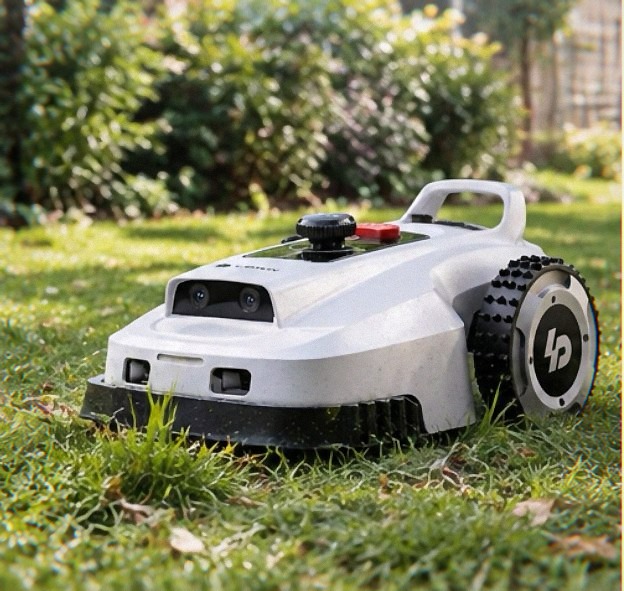
Noise, Slopes, and the Real 60dB Claim
The 60dB claim is close but optimistic. Measured with a cheap phone app about 10 feet away, I get 58–62dB on flat grass and closer to 65dB when it’s working harder on the slope along my driveway. That’s quieter than a gas mower by a mile, but you’ll still hear it through a closed window if you’re working from home. It’s more of a low hum than a whine — not unpleasant, just present.
On the slope, this is where I had to adjust expectations. My driveway strip runs about 15 degrees, and the mower handles it fine going straight up but loses traction when it tries to turn across the grade. It does this awkward three-point shuffle to reorient, which looks ridiculous and slows the run. If you’ve got anything steeper than 20 degrees, look elsewhere.
Wi-Fi HaLow and the App Experience
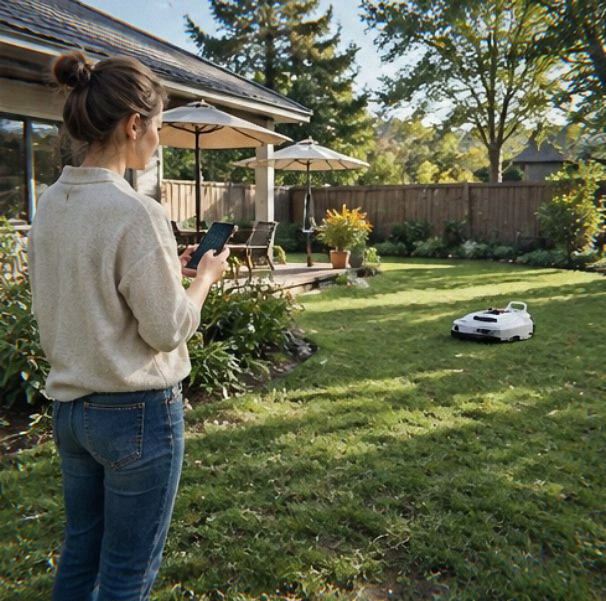
Wi-Fi HaLow is the long-range low-bandwidth standard, and it genuinely works — I get a signal at the far corner of my property where my regular 2.4GHz Wi-Fi drops to one bar. That’s the good news. The app itself is where I’d push back. Scheduling is fine, zone management works, but the run history is buried three menus deep and the notifications are inconsistent — sometimes I get a “mower stuck” alert, sometimes I find it dead in a flower bed with no notification at all.
If you want to see how this stacks up against other wire-free options before committing, it’s worth reading a broader comparison of robot mowers without boundary wires so you understand the trade-offs at this price point. (If you buy through a link here, I may earn a small commission. Doesn’t change your price.)
Maintenance Nobody Warns You About
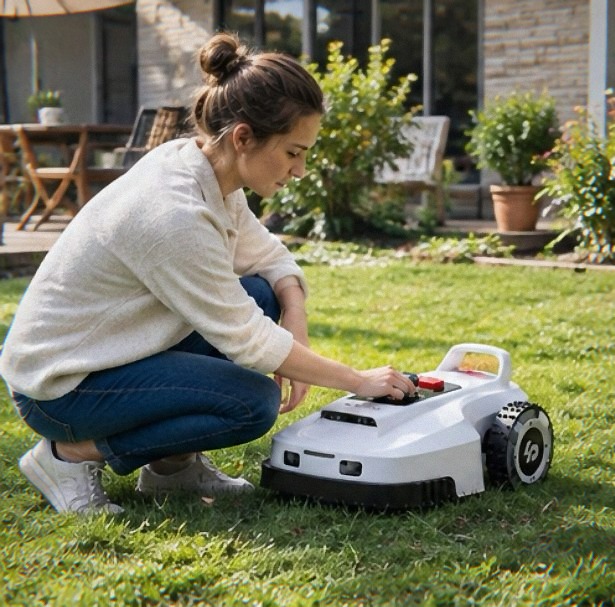
The blades are razor-style floating discs, and they dull faster than I expected — I flipped them at the six-week mark and will probably replace them by end of summer. Grass buildup under the deck is real; if you don’t hose it out weekly, you get a wet-clipping mat that smells like a compost bin by day ten. Ask me how I know.
Battery life is solid — about 100 minutes per charge on my lawn, then it docks itself. The charging contacts get dirty with grass clippings and need a wipe every few days or it’ll miss the dock and sit there confused.
Who I’d Tell to Buy It
If you’ve got a mostly open, moderately flat 0.5–1 acre lot and you’re tired of push mowing, this is a legitimately good machine for the money — the wire-free setup alone saves you a full weekend. If your yard is heavily shaded, steep, or cluttered with small debris, wait. You’ll spend more time babysitting it than mowing.